

Are your blog posts optimized for your target customer to find them? Regardless of whether your business is a vacation rental or some other type of tourism business, your online content needs to be optimized for SEO. We use the phrase SEO content marketing to describe this. Since there are some hyper-specific items to complete when creating every blog post you write, I highly recommend an on-page SEO checklist. That way, you can make sure every post you write is optimized for your prospects to find it. Read to the end for the tool that can cover everything on your checklist, without visiting multiple sites.
While you might be able to spit out a high-quality and relevant blog post, if it can’t be found online, it doesn’t serve much purpose. To increase blog traffic, you’ve got to ensure your posts have strong technical foundations and proper keyword placement, as well.
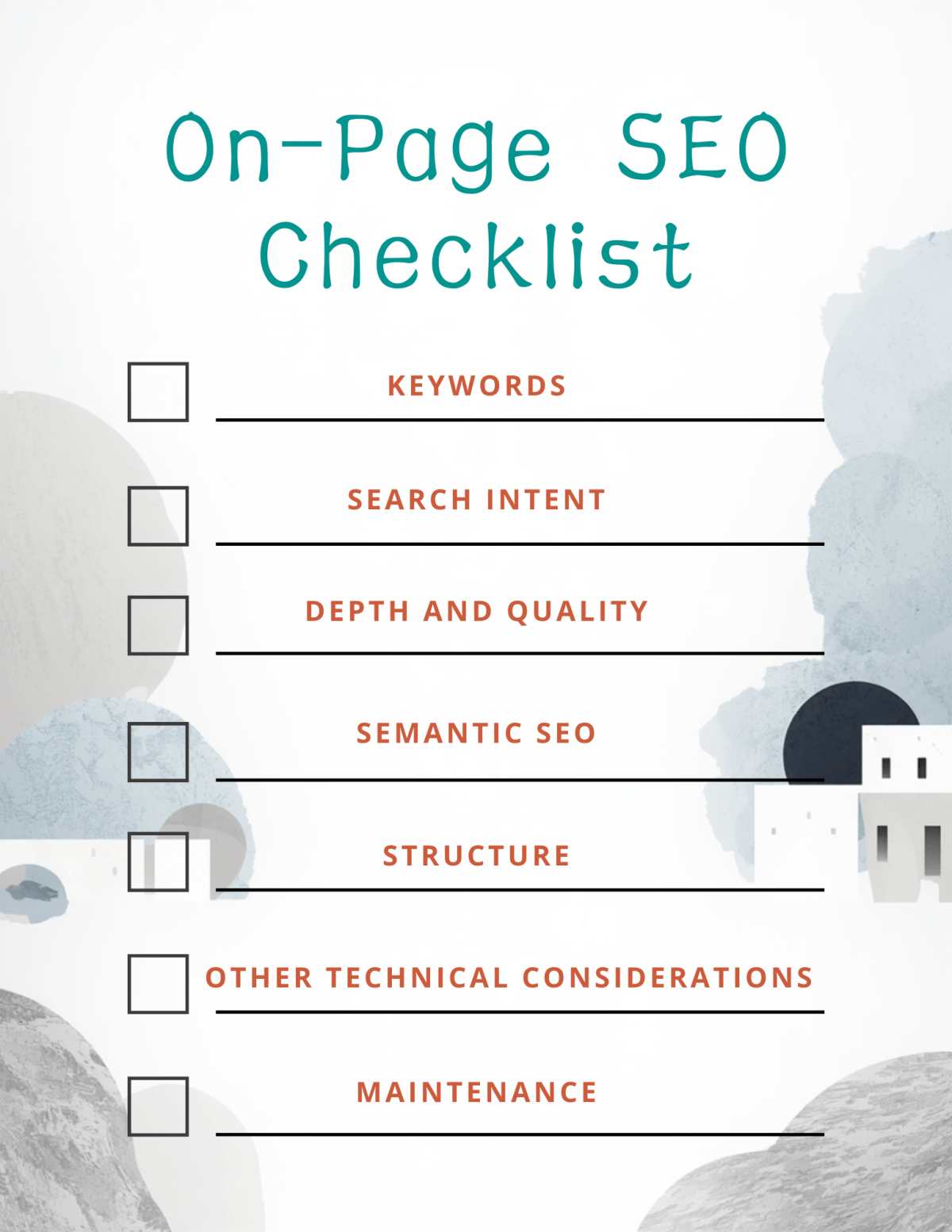
You can use the following on-page SEO checklist to ensure your content serves its purpose for every post.
On-Page SEO Checklist
1. Keywords
In previous posts, we talked about making your content creation guide, which you can use to determine what to discuss in your posts. Part of this is knowing which keywords you are targeting before you create your post. Additionally, this helps you stay on-topic, improving the user experience for your site.
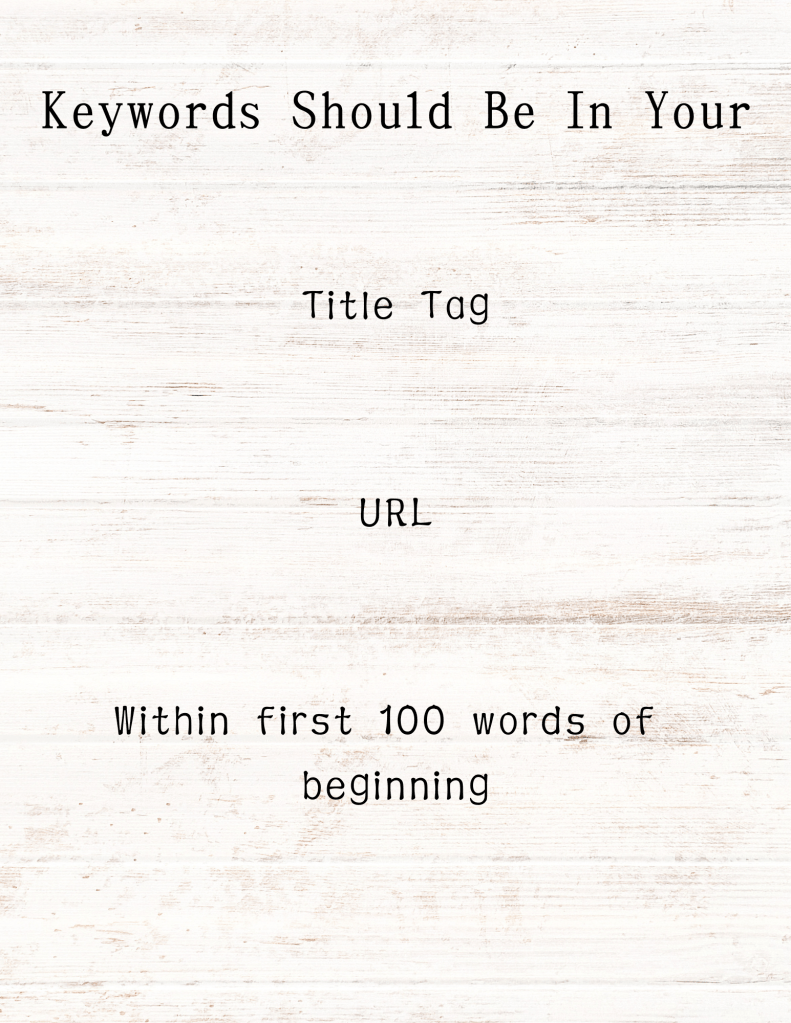
Now that you know your keywords for the post, plan to use them in the following places:
- title tag
- URL
- within 100 words of the beginning of your post.
2. Search Intent

One way to think of search intent is to pose your topic as a question. For example, what is a good checklist to follow to ensure your blog posts or videos align with users’ search intent? This is the question I asked when I sat down to write this post for you.
From the question, we know what the user wants to know, but can we ascertain why they want to know? One would think that the person searching for an on-page SEO checklist wants guidance in creating blog posts that attract the right people to the right posts, ultimately ensuring they help their prospects.
3. Depth and Quality
How do you know if your post is deep enough? One way is to read your post and ask yourself if there is anything you left out or if you are repeating yourself. A quality post answers the user’s question as well as any questions they might have after reading the post. This is how you increase blog traffic. You can add a layer of depth and quality by linking to your other related posts on your site. Most importantly, always look for a highly reputable source for your posts. While you might be an expert in your topic, you might not have established yourself as one online, yet. Thankfully, there is a wealth of reliable resources online that you can use to support your post.
What does this mean for SEO content marketing for short-term rentals?
If you are wondering what you would possibly write about to keep readers engaged and ensure optimal SEO content marketing for your brand, rest assured that there are plenty of options for content for short-term rentals. Think about what you would want to know if you were going to your location for the first time- not just your rental, but your city itself. Link to your Chamber of Commerce to give your guests options for eating and shopping. Link to your city’s visitor’s bureau. There are many options available- just think about what your guests want, and find the most reliable sources for it online, link to it, and let your SEO content marketing work for you.
4. Semantic SEO
Remember that many people are searching online using a voice search feature or asking AI for the answer to their question. Make it easy for them to get their answer by writing like you are talking to a friend. Make it conversational, and you will increase blog traffic!
It’s also important to use keywords naturally in your posts. Otherwise, the search engine will essentially deduct points for keyword stuffing, making your listing come up lower on the search engine results page. We want your posts to come up within the first 3 organic listings if you aren’t there yet. One way to ensure your keywords are used naturally is to start by considering what type of content you are creating and how it will help the reader. Check out 24 Blog Post Ideas to Showcase Your Vacation Rental, which gives real ideas you can use now to ensure your posts are helpful and search engine-targeted.
The Helpful Content Analysis tool on SEO Review Tools is great for this. Google deducts points for content that is only geared towards search engine optimization, so you want to be sure your content is helpful to your readers. The Helpful Content Analysis tool was designed to catch issues that would be caught by Google and identified as search engine optimized-first. It gives a score, letting you know how you can improve the content, leaving your readers feeling like their questions are answered.
5. Structure
Make your posts easy-to-navigate with proper formatting, title tags, meta descriptions, and only one H1 tag. The H1 tag is one of your formatting options when creating your posts. There are others like it- H2, H3, etc- but you only need one H1 tag if you want the search engine to present your posts at the top of the page.
Your title tag should be under 60 characters with the target keyword mentioned in the first few words. Use tools for help with titles if this is difficult. I like to use SEO Review Tools before I post anything to ensure that I am creating original content, that I cite any sources properly, and that my post is aligned with SEO best practices. The tool will check for keyword density and ensure that you have proper placement to ensure keyword density and readability, and it will help create titles.
Keyword density is the percentage of your text that is the keyword. You want your posts to be keyword-rich, but we need to avoid keyword stuffing. Aim for 1-2%. Use SEO Review Tools to get your percentage if you are unsure.
Have an attention-grabbing meta description, between 150 and 165 characters. Always have a call-to-action that is clear to the reader.
Are URLs short, descriptive, and clean (e.g., example.com/on-page-seo-checklist)?
Are your images optimized, using descriptive filenames and keyword-rich alt text?
Link your post to other relevant pages on your site using descriptive anchor text. This essentially means that you use a phrase in your post that makes sense for the piece of information it represents. Then, link that phrase to your other page. Do this throughout your post at least once to 3 times. One of your goals is to keep them on the page and on your site for as long as possible. “Time on page” is an indicator to the search engines that your content is interesting and likely relevant, and your post will be rewarded with a higher placement on the search engine results page.
Also, use external linking to link out to high-authority, relevant, and trustworthy sources. When you do this, you show that you are presenting accurate and interesting information to the reader, and the search engine will reward you with a higher place on the SERP (search engine results page).
Using schema markup, implement structured data to help search engines understand content and enable rich snippets. Snippets are pieces of information presented to a user when they search for an answer. For example, there might be a rich snippet with the question “What is an on-page SEO checklist?” These are listed on the SERP in a Q&A fashion.
6. Other technical considerations
Does your site promote mobile friendliness by ensuring the page is responsive and loads quickly on mobile devices? Preview your posts to ensure it does.
Page Speed: Optimize image sizes and leverage caching to improve load speed.
7. Maintenance
A website is not set-it-and-forget-it. It needs updates to increase blog traffic. I suggest checking your site’s performance on a monthly and quarterly basis. During your monthly checks, look for things like did your site have more or fewer visitors this month? Did any content do well? Did any content miss the mark completely? Make adjustments as necessary, but plan to do most of your edits during your quarterly checks.
Checking quarterly allows you to update your readers with the most recent information. Things change- for example, SEO is a different beast altogether from what it was 7 years ago. New and improved technologies, like artificial intelligence, affect SEO, whereas they didn’t so much 7 years ago. Check your website to ensure your information is accurate, up-to-date, and that you act on any opportunities for higher SERP placement.
Don’t overlook broken links. Regularly check for and fix broken internal or external links. If your links go nowhere, the search engine will place your listing lower than others like it.
Common SEO Mistakes
keyword stuffing- focusing only on keyword density shows the search engine that you target the search engine first, not informing your reader. Content must be helpful first!
targeting the wrong keyword- if the keyword is not properly placed, it might not register with the search engines that is what the page is about. You can use tools like SEO review tools to check your content to ensure you target the right keyword.
leaving out the meta-description- this is an important technical information piece for search engines!
No alt-text for images- alt-text connects your images to the keyword, and having alt-text means that if someone who is blind is reading your content, they can get a description of the image.
ignoring keyword research- Research your keywords before creating content. Refer to the articles below for more information.
Creating low-quality content- If the content does not serve a purpose for the reader, it is low-quality. If it doesn’t answer questions your target has, it is low-quality.
Slow page speeds- check your page speeds to ensure they load quickly enough. Slow page speeds will affect your placement on the SERPs negatively.
not optimized for mobile- since most searches take place using cell phones or tablets, ensure the content will work on those technologies. You can preview your pages to ensure they work well on mobile devices.
poor URL structure- “To make sure Google Search can crawl your site effectively, use a crawlable URL structure that meets the following requirements. If your URLs don’t meet the following criteria, Google Search will likely crawl your site inefficiently — including but not limited to extremely high crawl rates, or not at all.” Check this Google Search page for the requirements of a good URL structure.
missing internal links- You need internal links in your posts. They show the search engine that you are giving the reader more information on the topic they search- helpful content is what we need to place well on the SERPs!
not tracking performance- If you are not completing your quarterly and monthly checks on your site, you are missing opportunities, and you could move down the SERP page, instead of up.
Conclusion
To sum it up, you can use this on-page SEO checklist to set your posts up properly and catch any opportunities for improvement and act on them, ensuring your target customer finds you.
Check out our related posts:
Destination Marketing Content Strategy for Small Tourism Brands
SEO Content Marketing for Short-Term Rentals: A Complete Guide
24 Blog Post Ideas to Showcase Your Vacation Rental
*The content on this blog does not reflect the opinions of my employers. This is a personal blog intended to be used as a portfolio for potential employers- I do not provide SEO services at this point.
Have questions about SEO for your blog?
Contact me at
contentandcoachingbydella@gmail.com
979-985-0673
 Content and Coaching by Della